Compare structured exports. Understand every reconciliation result.
Import Excel or CSV exports, confirm the fields and rules that matter, run deterministic reconciliation, review matches and exceptions, and export a result you can explain.
Select a step to see what happens. The explanations are part of this page and remain available without JavaScript.
01Import
Choose CSV, XLS or XLSX exports from each source. ReconLoom inspects the files locally; it does not connect directly to source systems.
02Map
Review and confirm the fields and rules that define your comparison. Suggestions do not confirm mappings for you.
03Match
ReconLoom applies the configured rules deterministically. It does not use AI to decide which records match.
04Review
Inspect the result categories, available source values, differences, provenance and unresolved cases supported by the workflow.
05Export
Record supported review decisions, complete the applicable finalization step, then export a local CSV or XLSX report. Financial and Generic Record have different finalization rules.
Inside the result
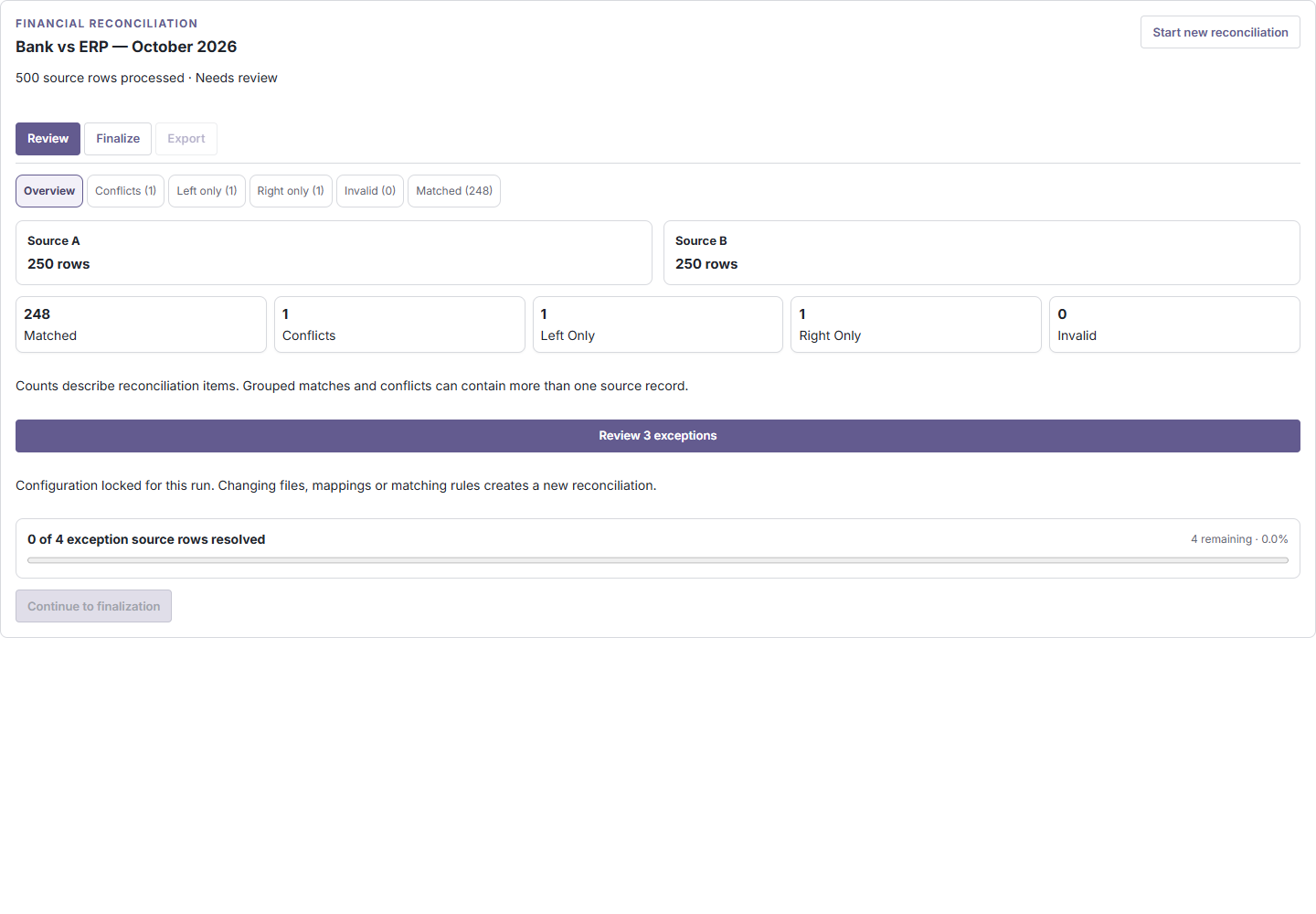
See the result before you export.
Inspect result categories, available source values, differences, source provenance and unresolved exceptions together.
Illustrative preview using synthetic sample data. Counts and values are examples, not customer results.
Two workflows, one product
Choose the reconciliation model that fits your records.
Financial
For transaction-style comparisons such as bank and ledger, payments and settlements, or advertising spend and finance exports.
Confirm reference fields, amount, currency, date, sign conventions and supported tolerances. Optional group matching is available where eligible.
ReconLoom supports structured CSV, XLS and XLSX exports.
Are source rows uploaded?
Reconciliation source files and rows are processed locally on your device. Large workloads may use local browser storage. Trial, entitlement and privacy-safe analytics metadata may use network services.
Does AI decide which records match?
No. Matching follows the fields and rules you confirm.
Does ReconLoom connect directly to banks or ERPs?
No. You choose and export the structured files you want to compare; ReconLoom does not directly connect to banks or ERPs.
What is the difference between Financial and Generic Record?
Financial is for transaction-style comparisons with amount, currency, date and reference rules. Generic Record is for structured records with typed identity fields and selected comparison fields.
Ready to get started?
Ready to see where your records disagree?
Start with your own files for free, or open Demo to see the workflow using sample data.
Confirm the record identity and compared fields before matching. Inspect which source values were available, why records were classified, and what still needs human review. An export reflects the configured comparison, not a guarantee that the underlying records are correct.